Windows 11 Home
OEM key · one PC
- Released
- 5 October 2021
- Redeems on
- Windows
- Type
- Full game · Standard edition
- Media
- Digital key
- In stock
- Last one
This is the last one we have.
Media
A Windows 11 Home licence key. It appears on your order page the moment your PromptPay payment lands — sign in before you buy, because the key only reveals to your account. To activate: connect the PC to the internet, open Settings › System › Activation, press Change next to "Change product key", paste the key, then Next and Activate. The How to buy page has the steps. Before you buy: • Home only. This key activates Windows 11 Home, not Pro. If your PC has Pro installed, it will not activate. • OEM licence. It belongs to the first PC it activates and does not move to another computer (a new motherboard counts as a new computer). • Licence key only — no disc or USB. If you need to install Windows, the installer is free from microsoft.com. Stuck on activation? Message us on LINE with your order number.
How to use this key
It redeems on Windows. Never used it? Everything is below, from making the account to playing.
What you need
A PC with the same edition of Windows installed — a Home key for Windows Home. No store account needed.
Step 1Activate Windows
Connect the PC to the internet
Open the Activation page
SettingsSystemActivation
Enter the key
Next to Change product key, press Change, paste the key, press Next, then Activate.
Good to know
- An OEM key belongs to the first PC it activates and does not move to another one.
- A key works once, on the account you are signed in to when you activate it, and cannot be moved to another account afterwards. Check whose account is open first.
- Paste the key rather than typing it — 0 and O, 1 and I are easy to mix up.
Tags
Details
- Edition
- Windows 11 Home
- Licence
- OEM · stays with the first PC it activates
- Activation
- Settings › System › Activation
- What you get
- 25-character product key (no disc or USB)
- Released
- 5 October 2021
Delivered the moment you pay
Nothing ships. The moment the payment lands, your key is emailed to you — and shown on your order page if you're signed in. No account needed.
Questions? Ask us on Messenger or LINE before you buy — a real person in Bangkok, usually within the hour.
Reviews
No reviews yet
Every review here is from a customer who bought this from us and had it delivered.
Every review here is from a customer who bought this from us and had it delivered.
No reviews yet
The first one will come from whoever gets theirs delivered first.
Real orders, packed by us
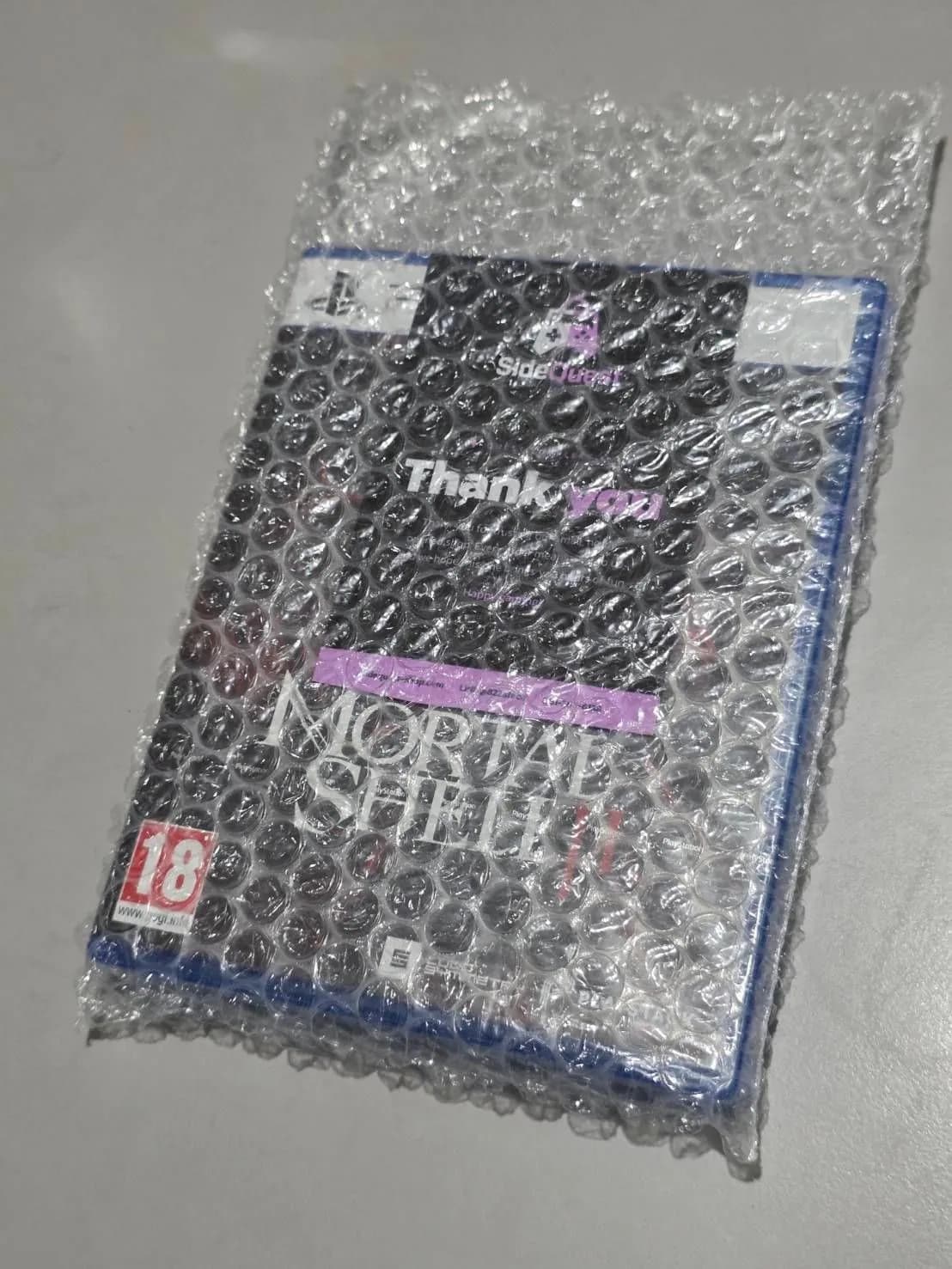
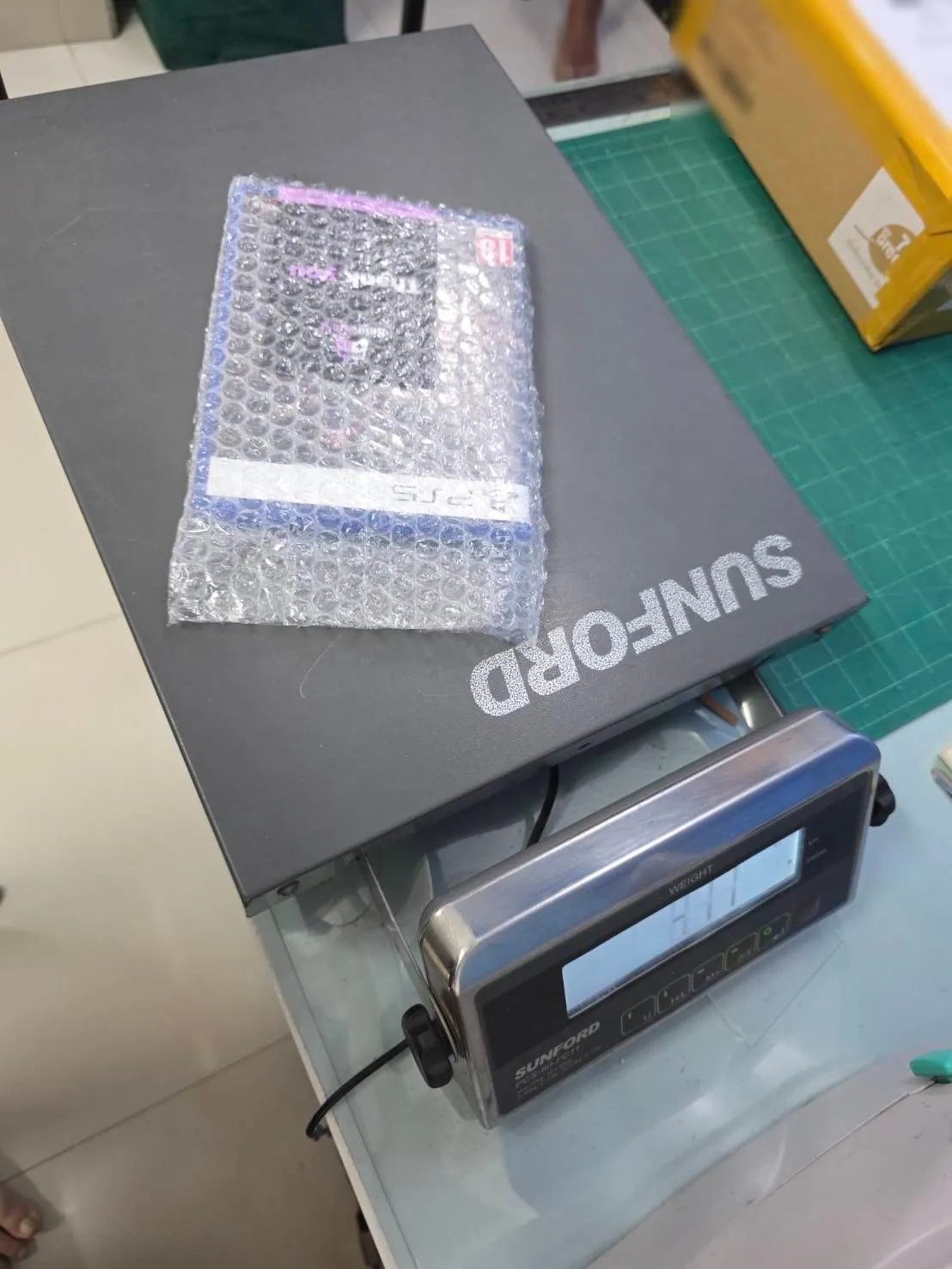
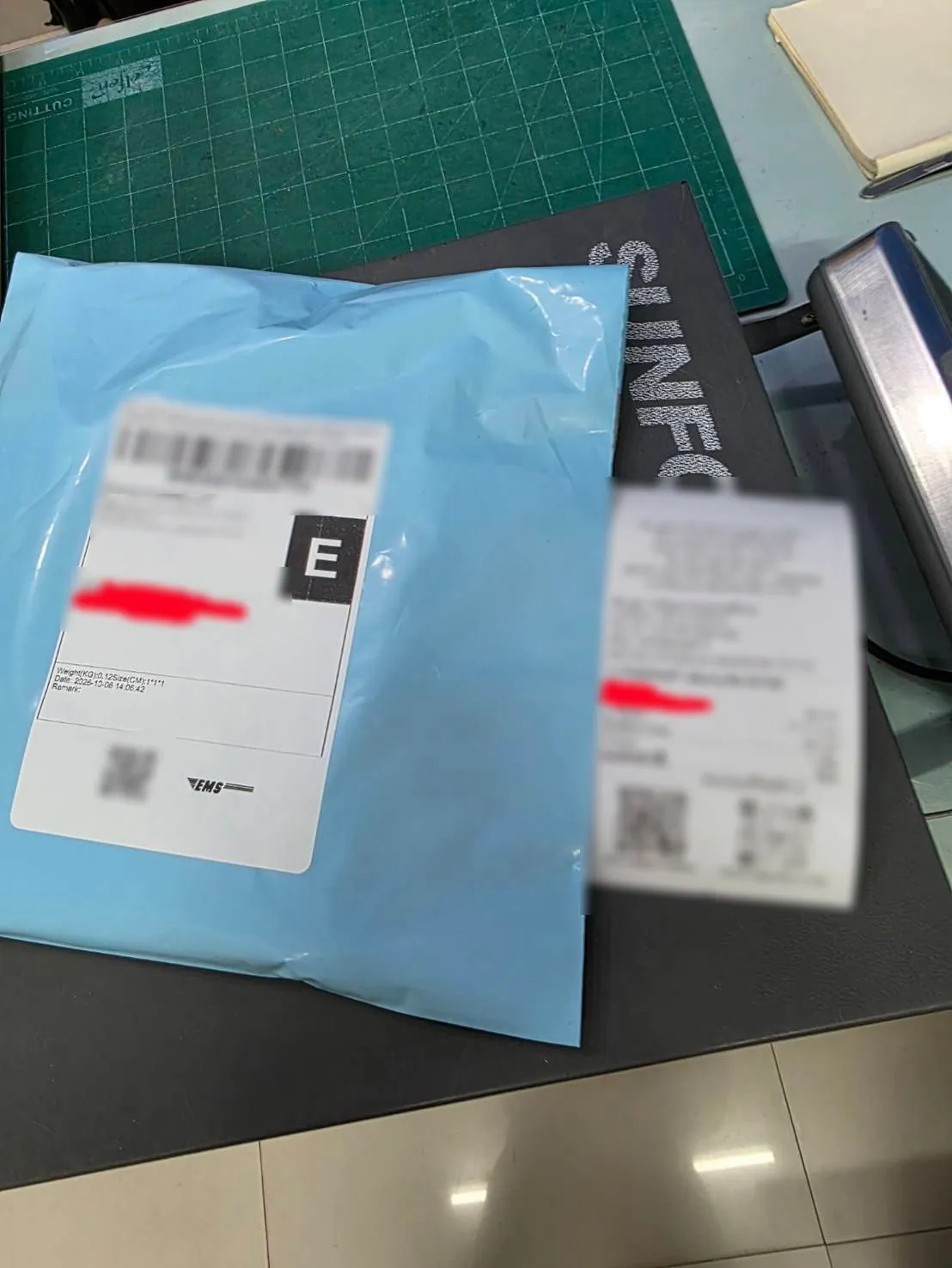
Packed with care, shipped for real